Pack check: nothing leaves short
The show ends and the boxes are full. Pack check is the list that says every item is really in its box before the tape goes on.
Tick list: works on a practice show Scan to tick: built, not tried with a real scanner
What it does, step by step
- End the show. Show wrapped lists every box, with each item that belongs in it.
- Pack the box. Tick each item as it goes in.
- When every item in a box is ticked, the box turns green. If something is missing, press "Can't find it" and the box turns red.
- Every tag prints a scan code. Scan it, or type its 8 digits, and Ship Show ticks the item for you.
- Scanned a tag into the wrong box? Ship Show says so. A cancelled sale says "leave it out".
- Type a box number and that box opens. Your ticks are saved, so a quit and a reopen lose nothing.
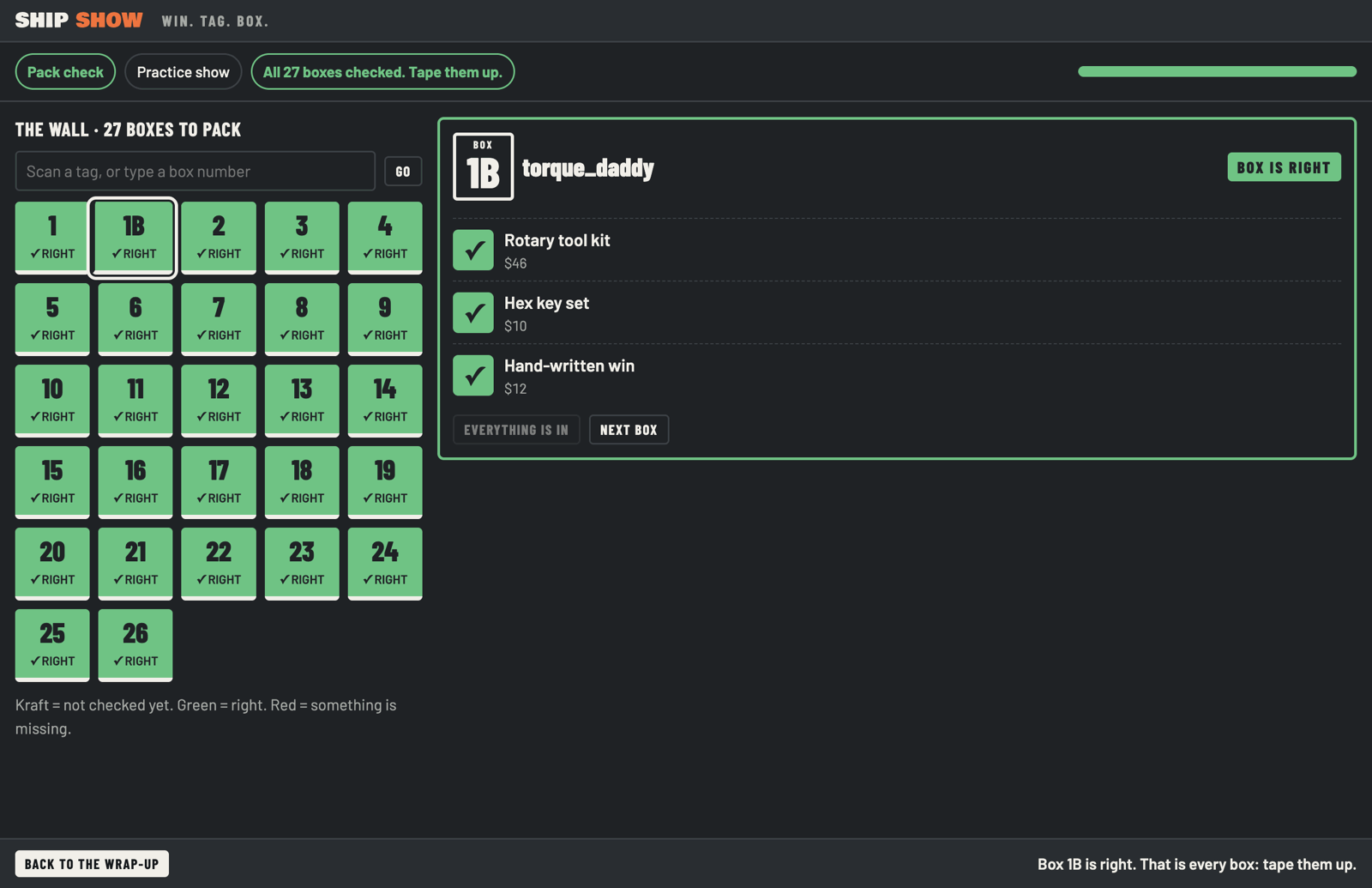
What you see
A box-by-box list on Show wrapped and on every past show. Green means done. Red means go find it.
Try it
Run a practice show at /try/, press GO a few times, then End show and open Pack check. Tick a box green. Tags print on the screen, so there is no real scan code to scan, but you can type one.
What is not proven yet
We would rather tell you here than have you find out at 11 p.m.
- The scan code has never been scanned by a real scanner. Any scanner that types like a keyboard should do. That is a "should", not a "has".
- A scan code printed on real label paper has not been tried, so we do not know yet how well it reads.
- It has not been used on a real show. The tick list part is proven on a practice show with pretend buyers only.
Keep going
See every feature on the features page, what is next on the roadmap, or help us poke at it on the testing page.